Time tracking with Notion.
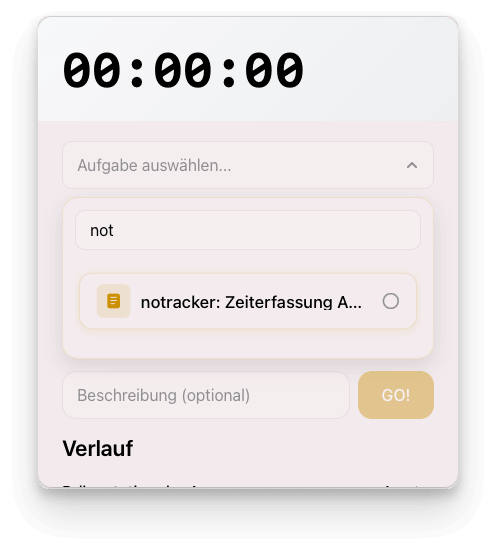
notracker is the minimalist tray app for tracking your time in Notion. Start the stopwatch with a shortcut and have entries, including end times, automatically created in your database. Link times directly to tasks and use the history feature to get back up to speed quickly.


It’s that simple: Connect your Notion database. Open notracker using a keyboard shortcut. Start tracking your time.
Performance
Flexibility
Integration
Teamwork
Features
How does the setup work in notracker?
- Open the page for Notion integrations: https://www.notion.so/profile/integrations
- Create a new, internal integration (or use one that has already been set up, if available), linked to your workspace. After saving, allow the integration the following access rights:
Read content
Update content
Insert content - Copy the Secret for the internal integration for later.
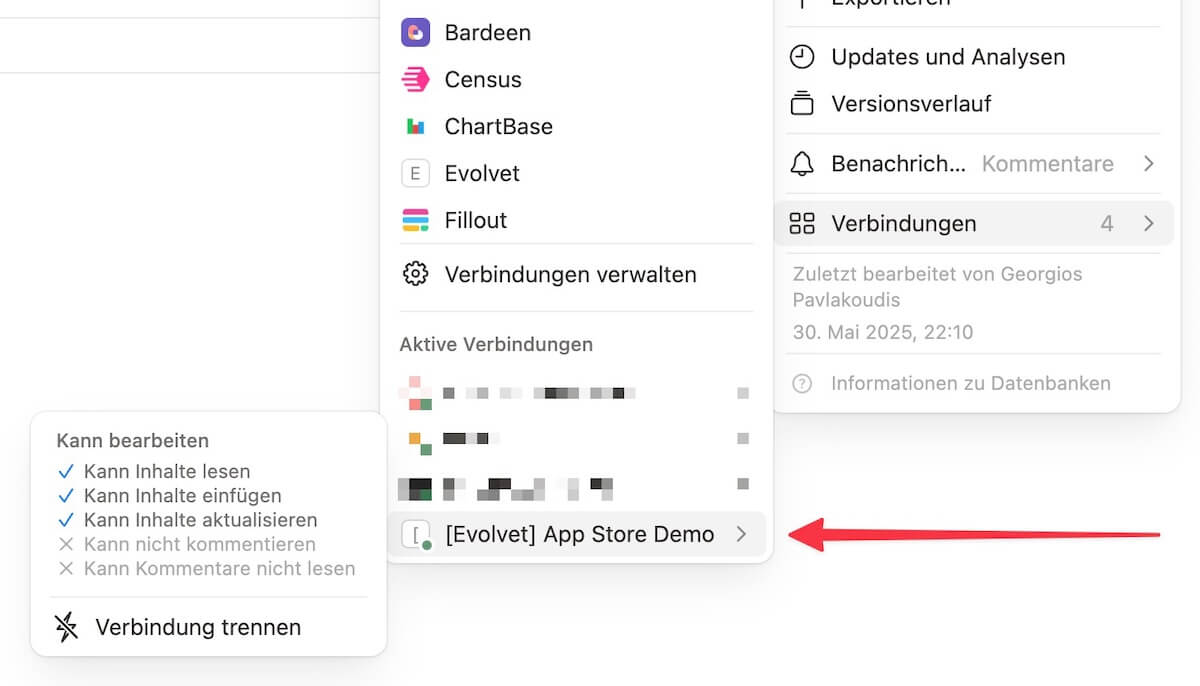
- Open Notion, navigate to the database you want to link to notracker and click on the 3-dot menu at the top right. There Connections > click on your newly created integration.
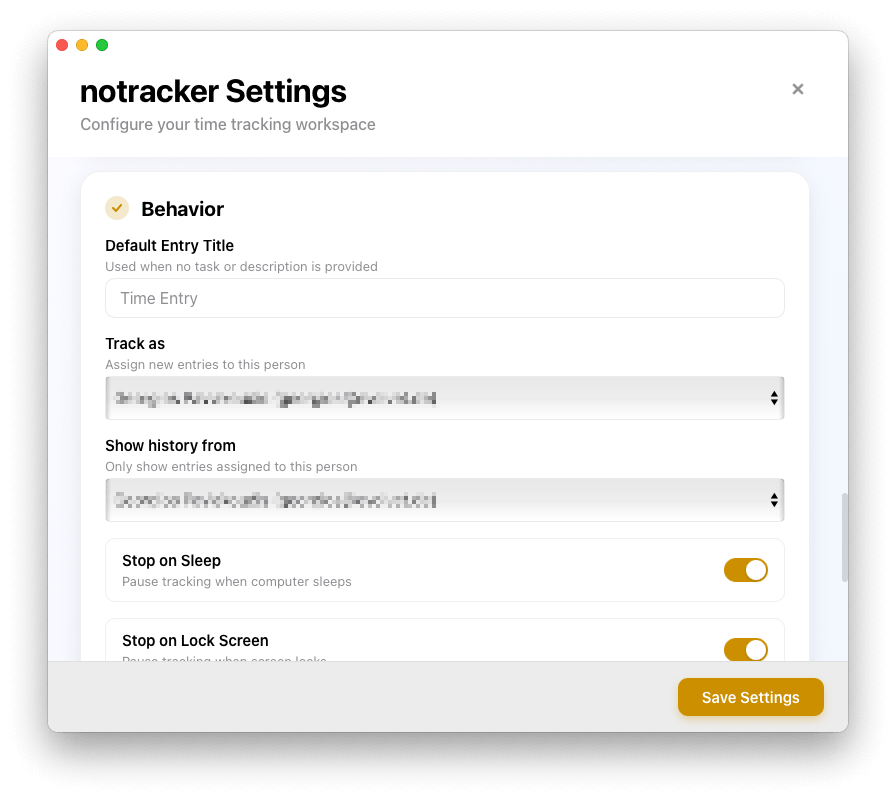
- Now start notracker and insert the secret from (3) in the set up wizard. After testing the connection, you can now select the database that you linked in (4).
Why can't notracker find any database(s)?
Make sure that your Notion integration has access to the respective database(s). To do this, check whether the connection in your database is active in Notion:
What exactly is notracker?
notracker is your minimalist tray app for lightning-fast time tracking directly in Notion. The tool runs discreetly in the background and can be launched at any time via a shortcut. As soon as you start the stopwatch, a new entry is automatically created in your chosen Notion database. When you stop the timer, the app adds the end time and conveniently calculates the duration using a formula. You can link your times directly to existing tasks, add custom descriptions, or resume past entries from your history with a single click.
Where is the text saved?
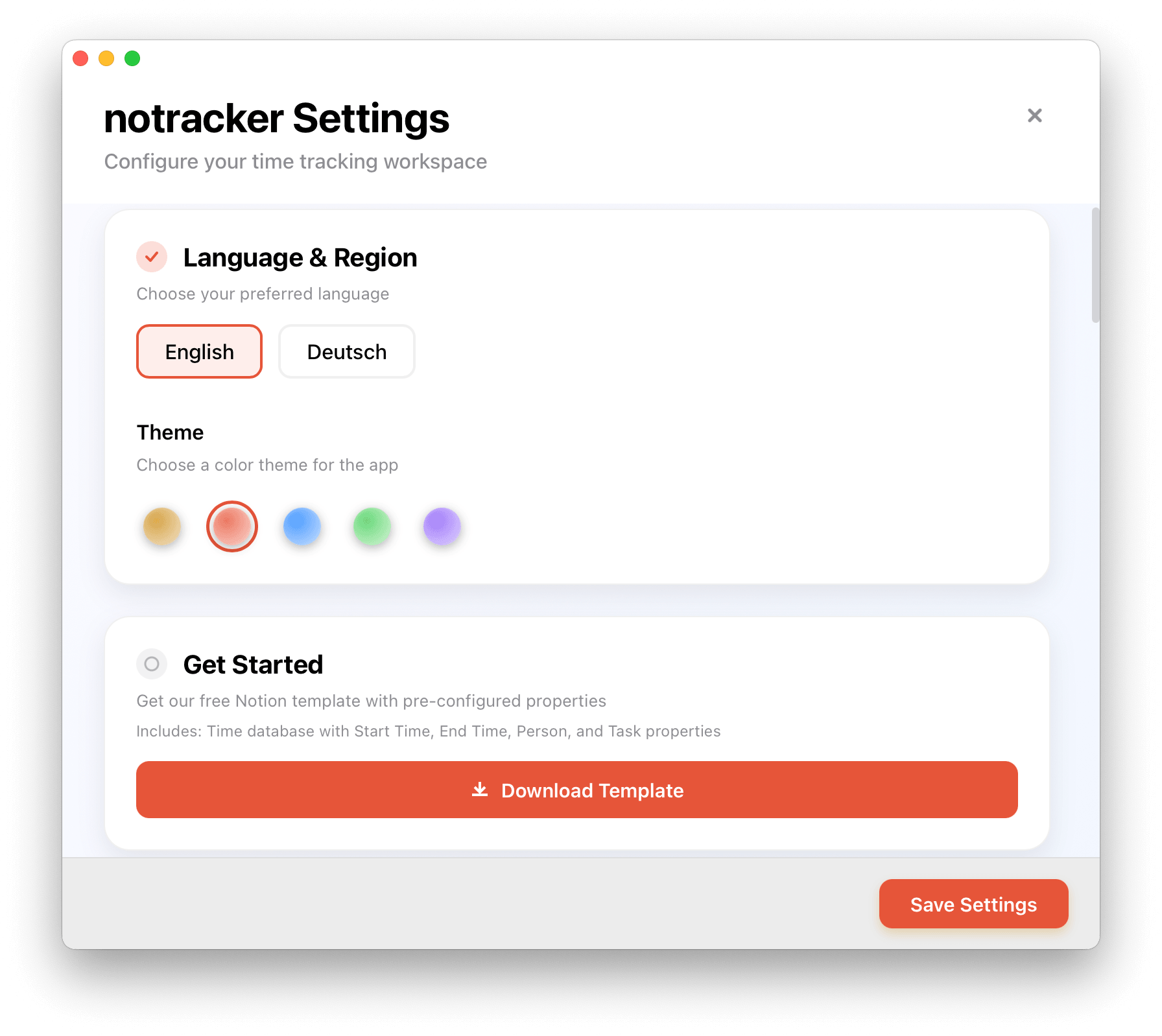
You are free to choose any database in Notion. The app connects to your workspace via the official Notion API. If you haven’t set up any time-tracking databases yet, a free Notion template is available in the notracker settings.
Is there a template for notracker in Notion?
Yes, there is a free Notion template available in the notracker settings.
Is Notracker free?
Yes, the app is free.
Time tracking with Notion.